

Planting Trees & Bushes
Pick a tree or bush, then click the ground to plant it. Every one grows a little differently.
- Click Trees in the bottom toolbar.
- Pick a tree.
- Click the ground to plant it.
Plant a tree
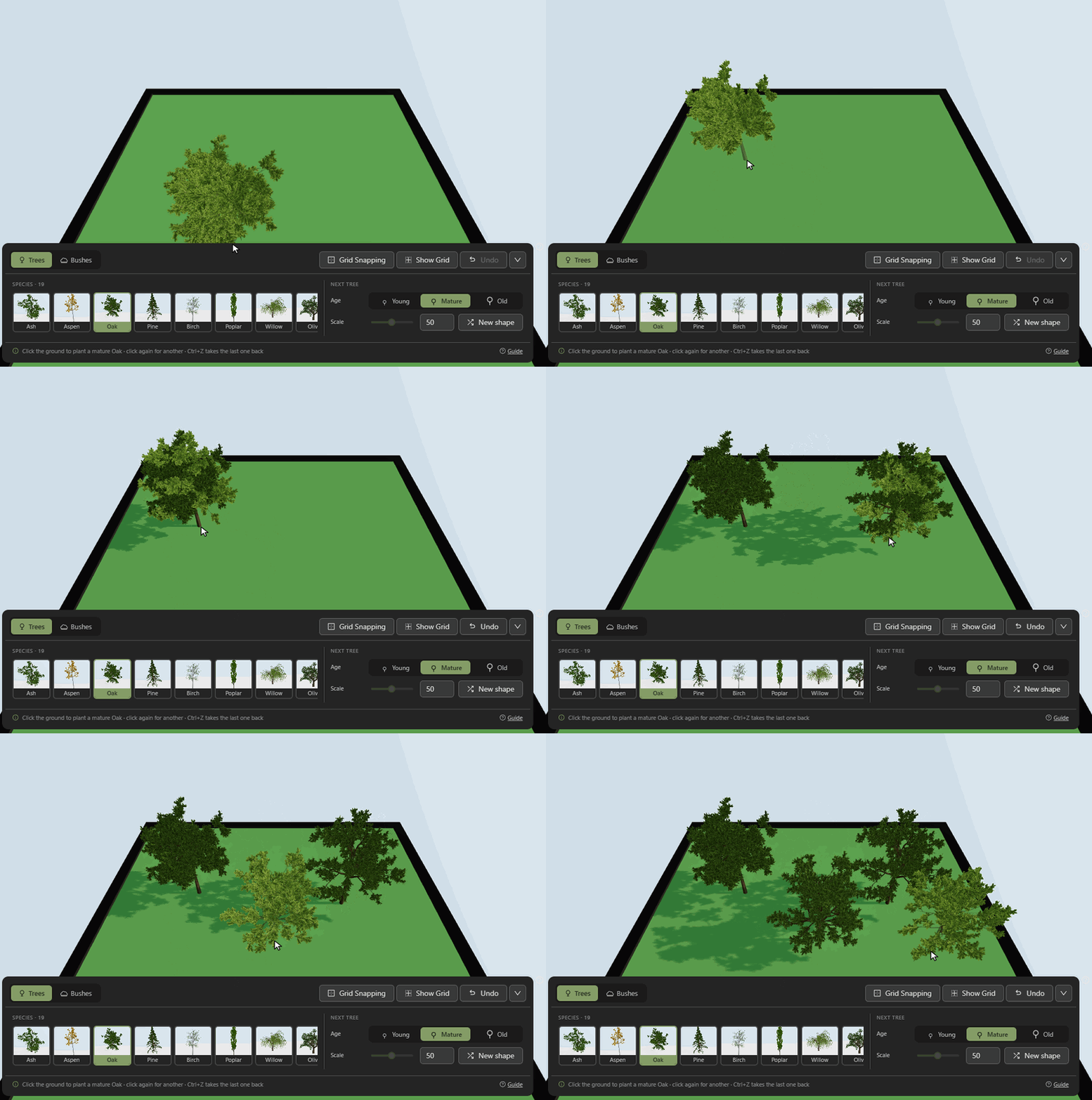
- The tree under your cursor is a preview of the one you'll get.
- Click again to plant another. Each one grows differently.
- Trees sit on hills and slopes wherever you plant them.
Bushes
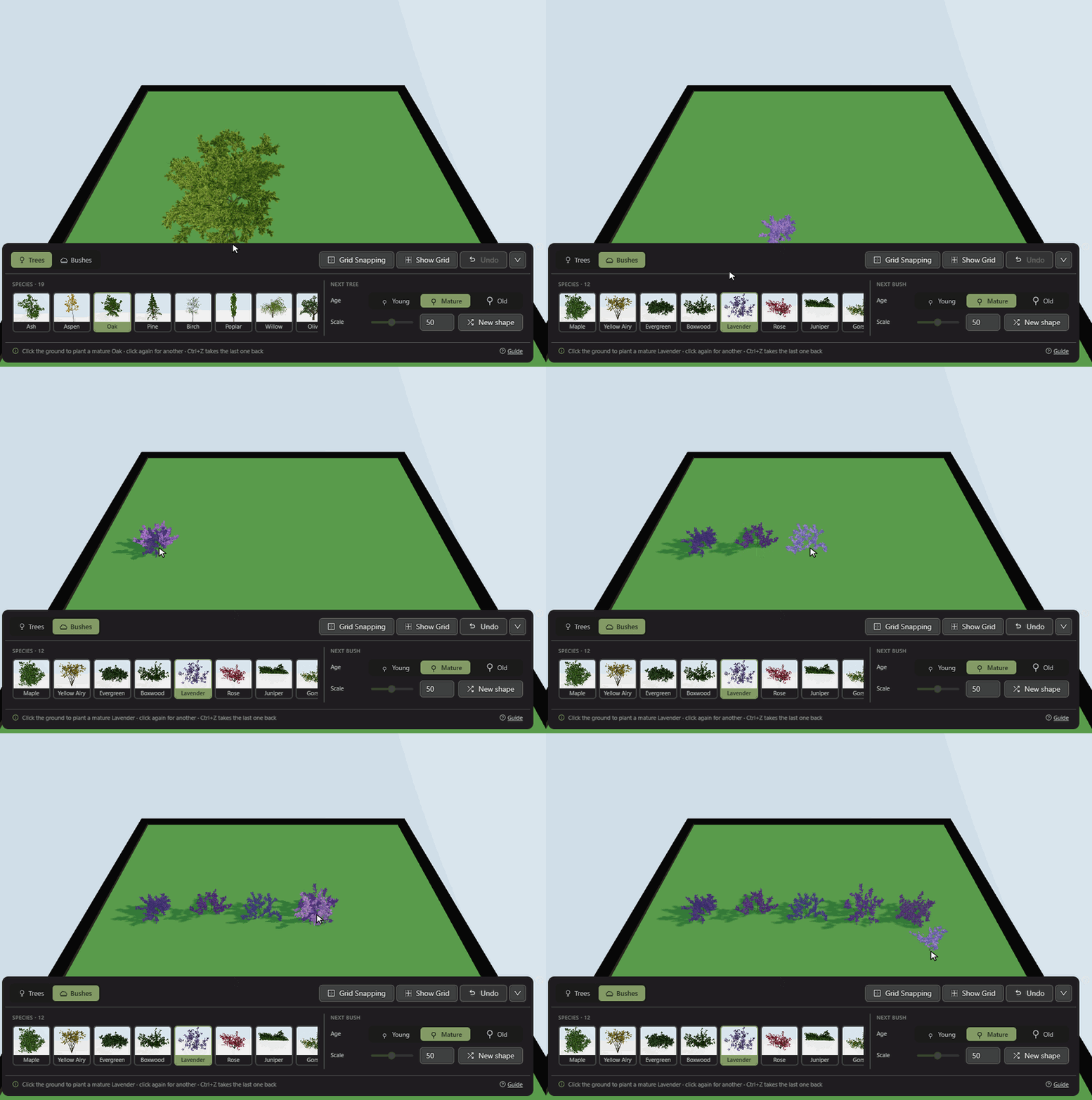
- Open the Bushes tab for shrubs, flowers and climbers.
- Hop and Grape Vine grow up a trellis.
Age and scale
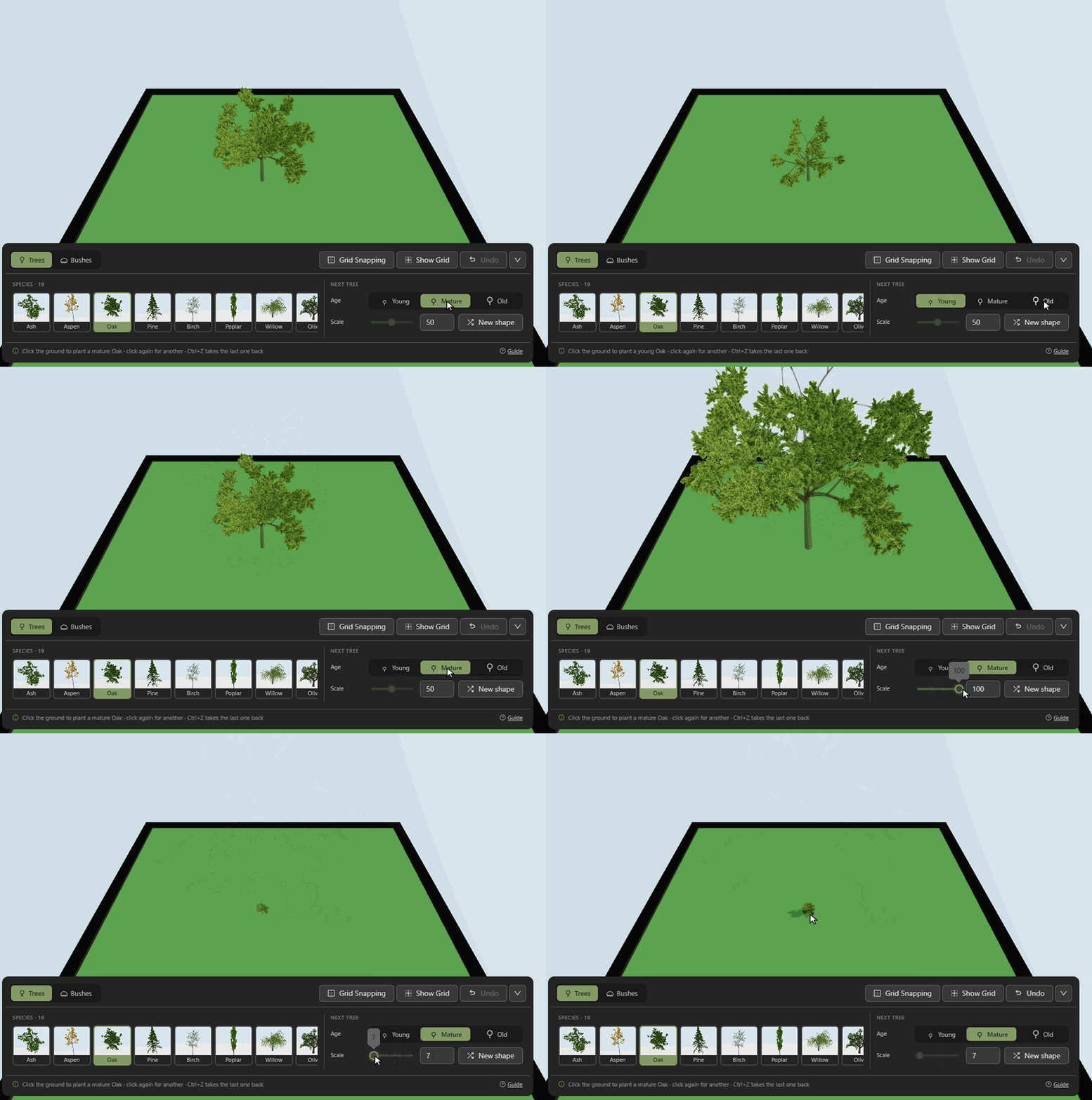
- Age: young trees are small and thin, old ones tall and spreading.
- Scale makes the next one bigger or smaller.
Choose a shape
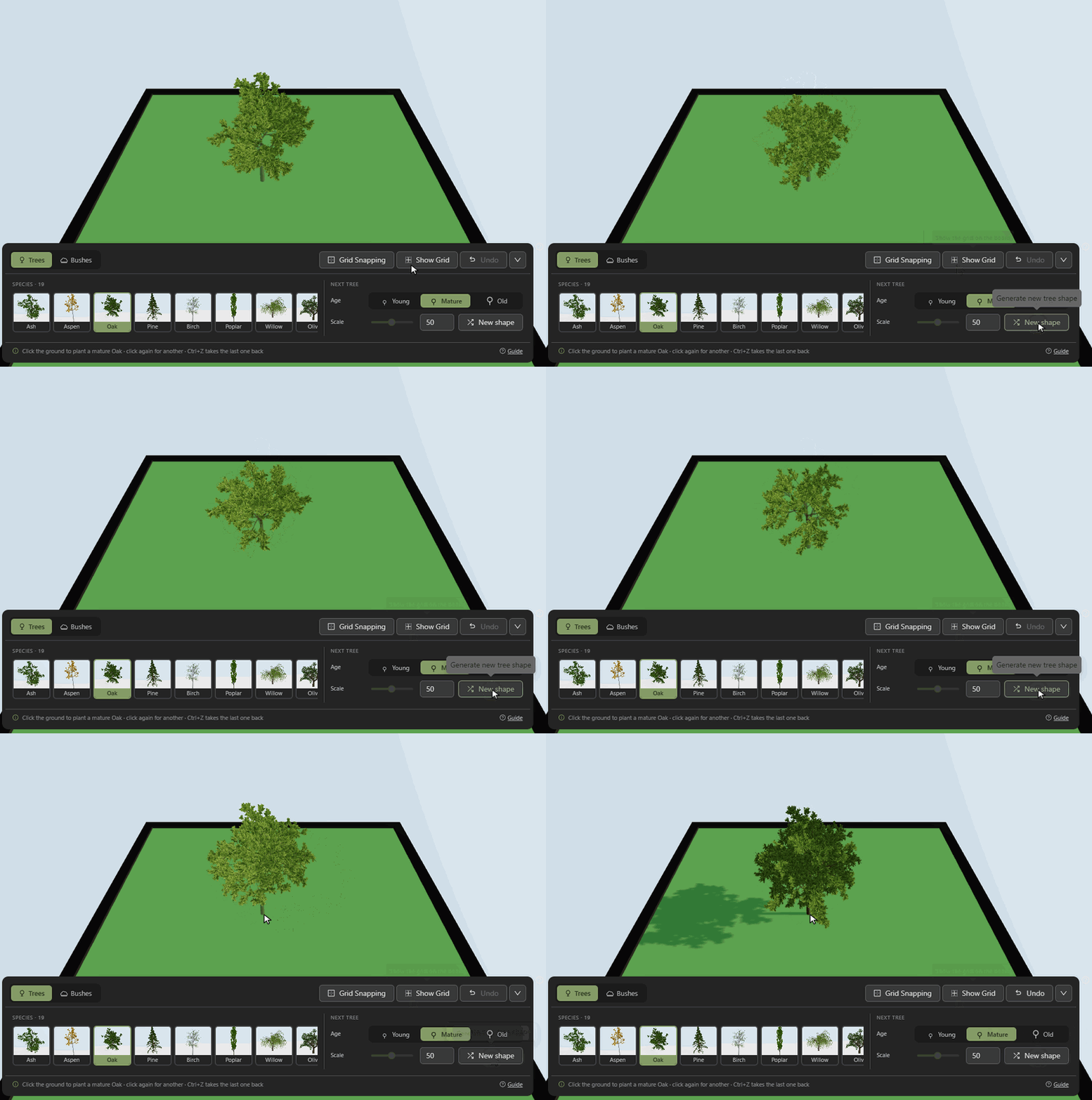
- Press New shape to try another version of the same tree.
- Click to plant the one you like.
Seasons
- Season turns every tree and bush in the scene to spring, summer, fall or winter, and is saved with the scene.
- Each plant changes the way its species does. Maples turn red and birches gold in the fall, oaks hold on to a few brown leaves through the winter, and pines, spruces and other evergreens keep their needles all year.
- Summer shows each plant as it is drawn in the panel.
Undo and remove
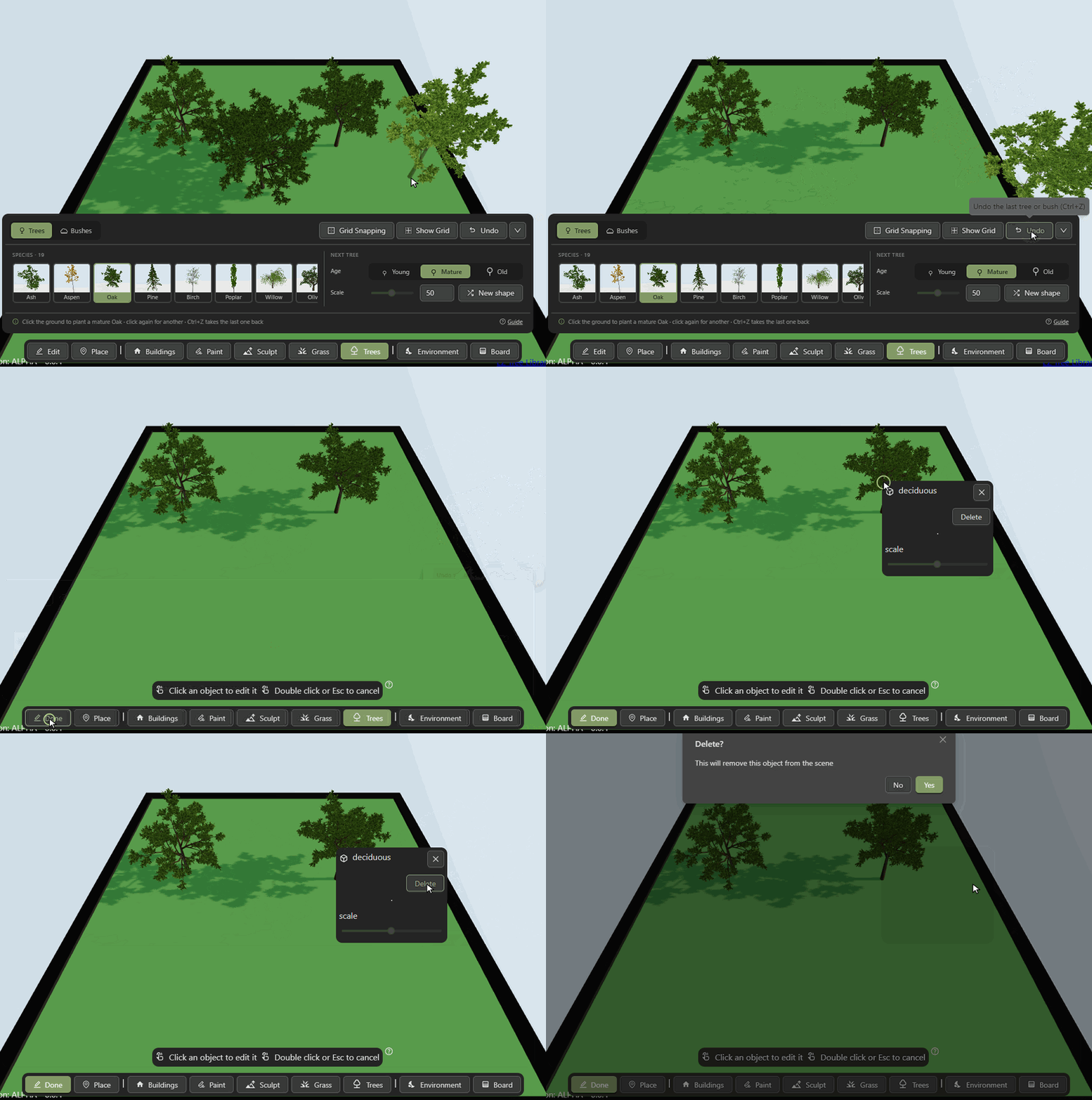
- Undo or Ctrl+Z takes back the last tree or bush.
- To remove any other, click Edit, click the tree, then delete it.
On a phone
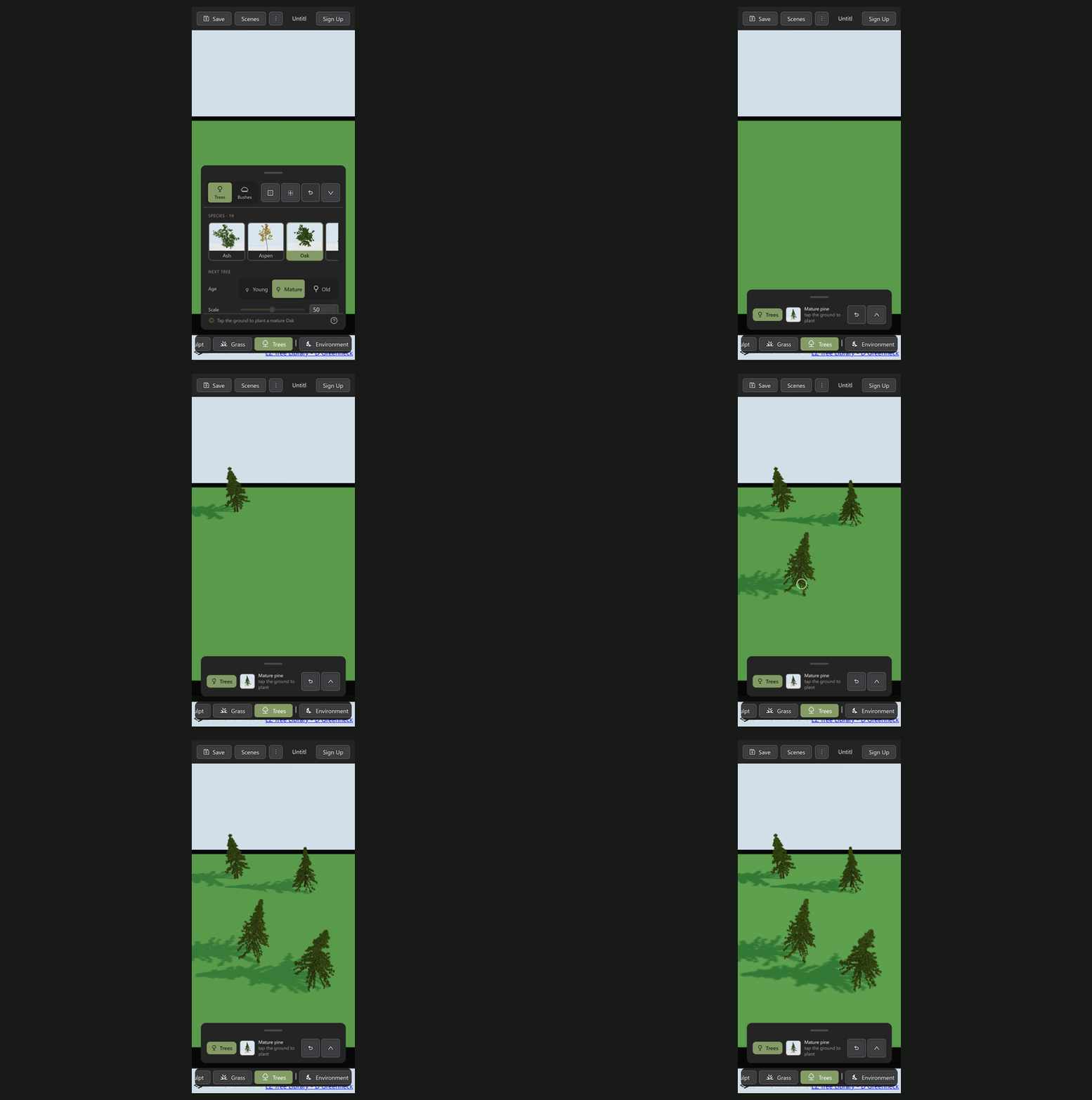
- Pick a tree and the panel tucks itself away, leaving the ground free.
- Tap the ground to plant. Tap the bar to open the panel again.
Controls
| Click the ground | Plant a tree or bush |
|---|---|
| Ctrl+Z | Take back the last one |
| Drag the sky | Turn the camera |
| Right drag | Move the camera |
| Scroll | Zoom in and out |
Tips
- Sculpt the ground first. Trees stay where they land.
- Mix ages and species so a wood looks natural.
- Planting a row or an avenue? Turn on Grid Snapping to put each one in the middle of a grid square.
- Lots of trees can slow a scene down. Plant what the camera sees rather than the whole board.
Trees are grown with the EZ-Tree library by Dan Greenheck.
More guides
- Usage Guide
- Buildings
- Terrain Sculpt
- Terrain Paint
- Grass
- Water
- Effects
- File Compression Guide
- Find 3D Models
Ready to try it? Open the editor.